How Sponsor Logos Are Prepared For Football Kits
Ever wondered what goes into getting a sponsor's logo ready for your team's beautiful new football kits? It's more than just sending over a picture!
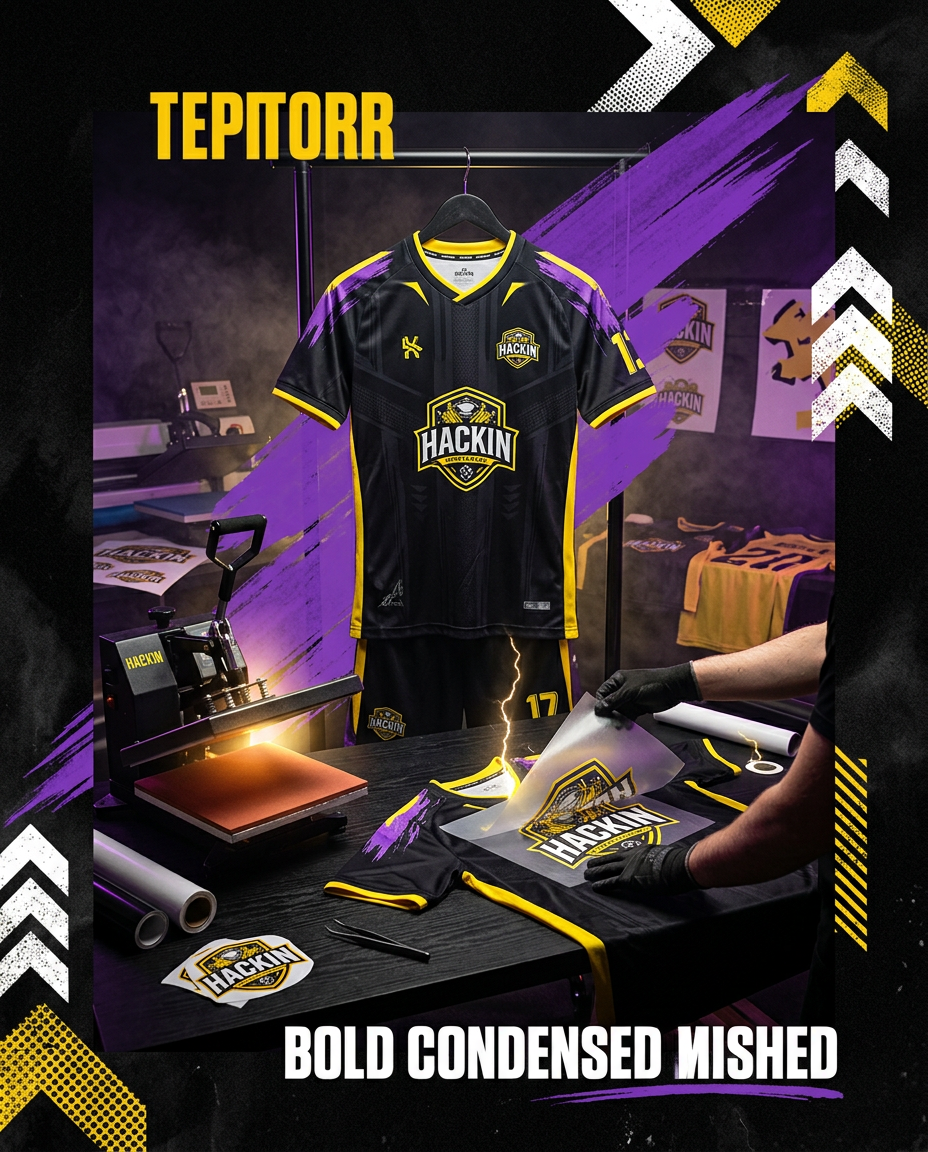
Securing a sponsor for your grassroots football club is a monumental achievement. It’s a testament to the hard work you put in, and that sponsor’s name on your kit is a proud badge of honour. But getting that logo from a digital file onto a physical jersey, shorts, or socks isn't always as straightforward as it seems. At Hackin Sportswear, we've seen it all, and we want to help you ensure your sponsor's logo looks absolutely brilliant every time. Let's dive into the world of preparing sponsor logos for your football kits.
The Golden Rule: Vector Files are Your Best Friend
This is perhaps the most crucial piece of advice we can give you. When asking your sponsor for their logo, always request a vector file. What's a vector file, you ask? Think of it like this: a regular image (a JPEG or PNG) is made up of tiny little pixels. When you try to make it bigger, those pixels stretch and the image becomes blurry or 'pixelated'. A vector file, on the other hand, is made up of mathematical paths and points. This means it can be scaled to any size – from a small badge on a shirt to a massive billboard – without losing any quality or becoming blurry. It stays crisp, sharp, and perfect.
Common vector file formats include:
- .AI (Adobe Illustrator)
- .EPS (Encapsulated PostScript)
- .SVG (Scalable Vector Graphics)
- .PDF (Often, but not always, a PDF can contain vector data – it's worth checking!)
If your sponsor can provide one of these, you're off to a fantastic start! It saves time, ensures the best possible print quality, and avoids additional design fees.
What to Do If You Can't Get a Vector File
Don't panic if your sponsor can only provide a JPEG or PNG. This is common, especially for smaller businesses or new sponsors. While not ideal, it's often workable. Here's what we look for and what you should aim for:
- High Resolution: The bigger the image (in terms of pixels), the better. A large, high-resolution JPEG is much easier to work with than a small, fuzzy one. As a general rule, aim for at least 300dpi (dots per inch) at the size the logo will be printed, or larger.
- Clear Edges: Ensure the logo doesn't have blurry or jagged edges. The crisper the original image, the easier it is for our design team to recreate or 'vectorise' it.
- No Background: A PNG with a transparent background is great. If it's a JPEG with a solid white or coloured background, that's okay, but it means an extra step for us to remove it manually. Sometimes sponsors will give you a web image, which is usually low resolution and won't work well for print.
If we only have a low-resolution raster image, our experienced design team might need to redraw or vectorise the logo. This process involves manually tracing the logo to create a vector version. While we can often do this in-house, depending on the complexity, it might incur a small design charge – something we always discuss with you upfront. The goal is always to achieve that professional, crisp look #BuiltDifferent!
Colour Accuracy: Getting It Just Right
Sponsor logos often have very specific brand colours. To ensure consistency, it’s helpful to provide any official brand guidelines or colour codes if your sponsor has them. The most common colour systems are:
- Pantone (PMS) Codes: These are universal colour matching system codes (e.g., Pantone 200 C). These are ideal as they ensure the colour is replicated accurately regardless of the printer.
- CMYK Values: These are values for Cyan, Magenta, Yellow, and Key (black) used in process printing. (e.g., C:0 M:100 Y:100 K:0 for a bright red).
- Hex Codes: Used primarily for web design (e.g., #FF0000 for red). While not directly used for printing, they can help us match colours closely.
If your sponsor doesn't have these, a high-quality vector file usually embeds the correct colours, or we can match them from a high-resolution image as closely as possible to our fabric and print colours. Your kit should look sharp, so the sponsor's brand should too.
Position and Size: Making an Impact
Think about where the sponsor logo will go on your kit. Common placements include:
- Front centre of the shirt: The main sponsor position.
- Sleeve: Often for secondary sponsors.
- Back of the shirt: Below the number or across the shoulders.
- Shorts or socks: Smaller logos for additional exposure.
Consider the size and proportions. A good design will ensure the logo is visible and impactful without overwhelming the kit's overall aesthetic or clashing with your club's badge. Our design team will always provide proofs for your approval, showing exactly how the logo will look on your chosen kit design from our kit collections.
Proofing and Approval: The Final Check
Before anything goes to print, we'll send you a digital proof for your final approval. This is your opportunity to carefully check:
- Logo accuracy: Does it look correct?
- Spelling: Is the sponsor's name spelt correctly?
- Colours: Do they appear as you expect?
- Placement and Size: Is it where you want it and at the right size?
Always get your sponsor to approve the proof too! This step is critical to avoid any last-minute surprises and ensure everyone is happy with the final product. It’s part of our commitment to delivering only the best for your club, whether you're creating a custom kit or using one of our existing design styles.
Getting your sponsor logos ready for your football kits doesn't have to be a headache. By following these simple guidelines, you can ensure a smooth process and a fantastic-looking kit that proudly displays your sponsor's support. At Hackin Sportswear, we genuinely care about helping grassroots clubs look professional and feel confident. We're here to guide you through every step, from initial design to the final whistle. If you have any questions or are ready to get started on your club's new kit, don't hesitate to reach out. Our team is always ready to help you create something truly special. You can easily send us your sponsor logo by contacting us directly! We also offer tools to help you create a professional sponsor pack to attract those vital partnerships.
Hackin studio
Want a kit that looks this sharp?
Send us your badge, colours and sponsor logos — we’ll create a free custom kit concept for your club.
Request Your Free Kit DesignFAQs
What is the best file type for a sponsor logo?
The best file types are vector formats like .AI, .EPS, or .SVG, as they can be scaled to any size without losing quality. A high-quality .PDF might also contain vector data.
What if my sponsor only has a JPEG or PNG?
Provide the highest resolution version possible. Our design team can often redraw or 'vectorise' it, though this might incur a small design fee depending on complexity. A high-resolution PNG with a transparent background is better than a JPEG.
How do I ensure the colours are correct?
Ask your sponsor for official brand guidelines or colour codes (Pantone, CMYK, or Hex codes). This helps us match the colours precisely for printing on your kit.
Will I see what the logo looks like before it's printed?
Absolutely! We will always send you a digital proof for final approval. We recommend getting your sponsor to approve it too, to ensure everyone is happy with the placement, size, and appearance.
Related club resources